Εφαρμογή για κινητά
Learning on the Go
Build Your Digital Twin Skills, Wherever You Are
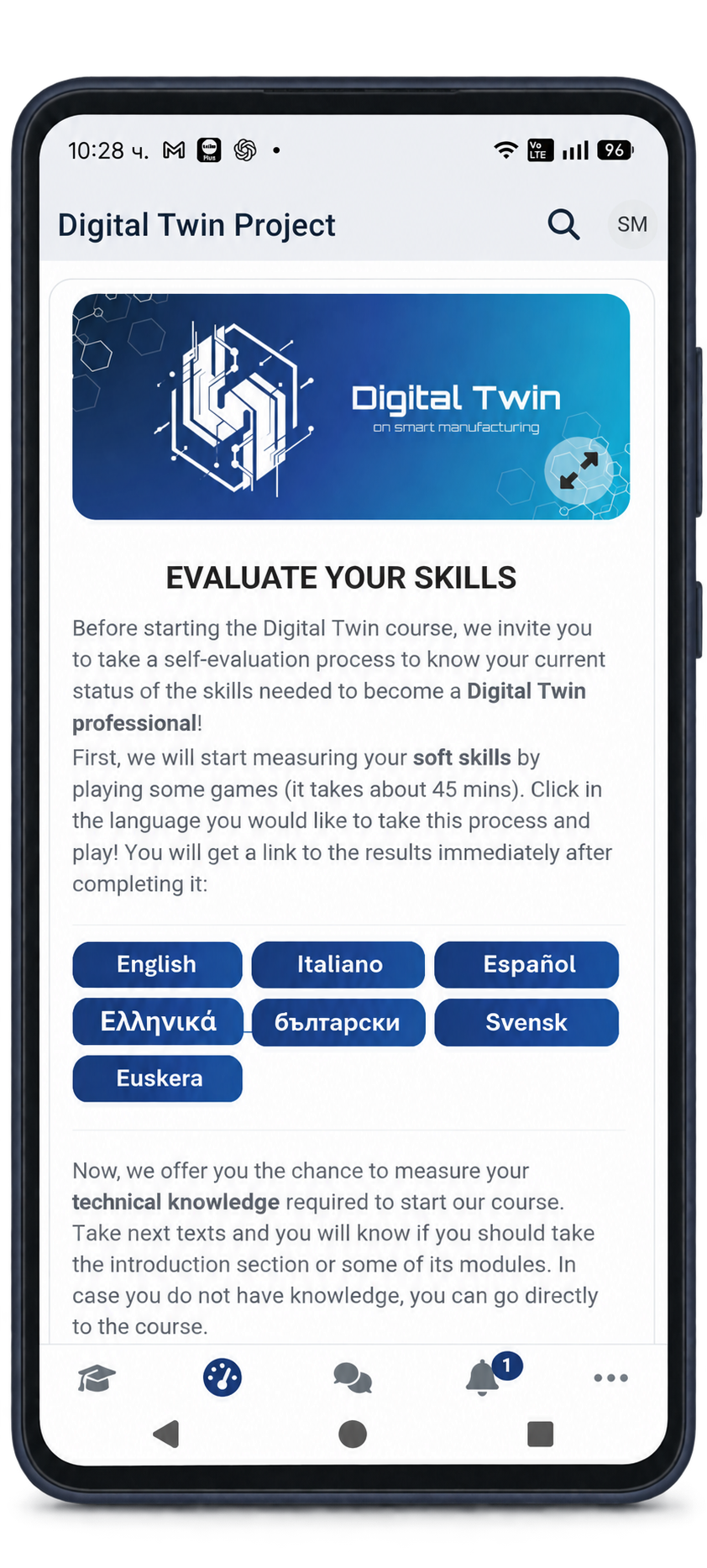
Bring the Digital Twin learning experience to your smartphone. The Digital Twin EU app connects you to the project’s online training in digital twins and smart manufacturing, helping you access course materials, complete learning activities and track your progress.
Download the app for Android or iOS using the links below and take the next step in developing your skills.


Learn Wherever You Are
Explore courses and learning resources in digital twins and smart manufacturing from your smartphone, and fit your learning around your daily schedule.
Track Your Progress
Take part in learning activities and follow your progress through the course modules, keeping a clear view of your achievements as you develop your skills.
Show Your Skills
Work towards microcredentials that recognise your learning achievements and help you demonstrate skills relevant to digital twins and smart manufacturing.
Getting Started
Your First Steps in the App
Follow these simple steps to access Digital Twin EU, find a course that matches your interests and begin learning.
Download the Application
Download Digital Twin EU from the App Store or Google Play using the links above. Once installation is complete, open the app to get started.
Log In or Create an Account
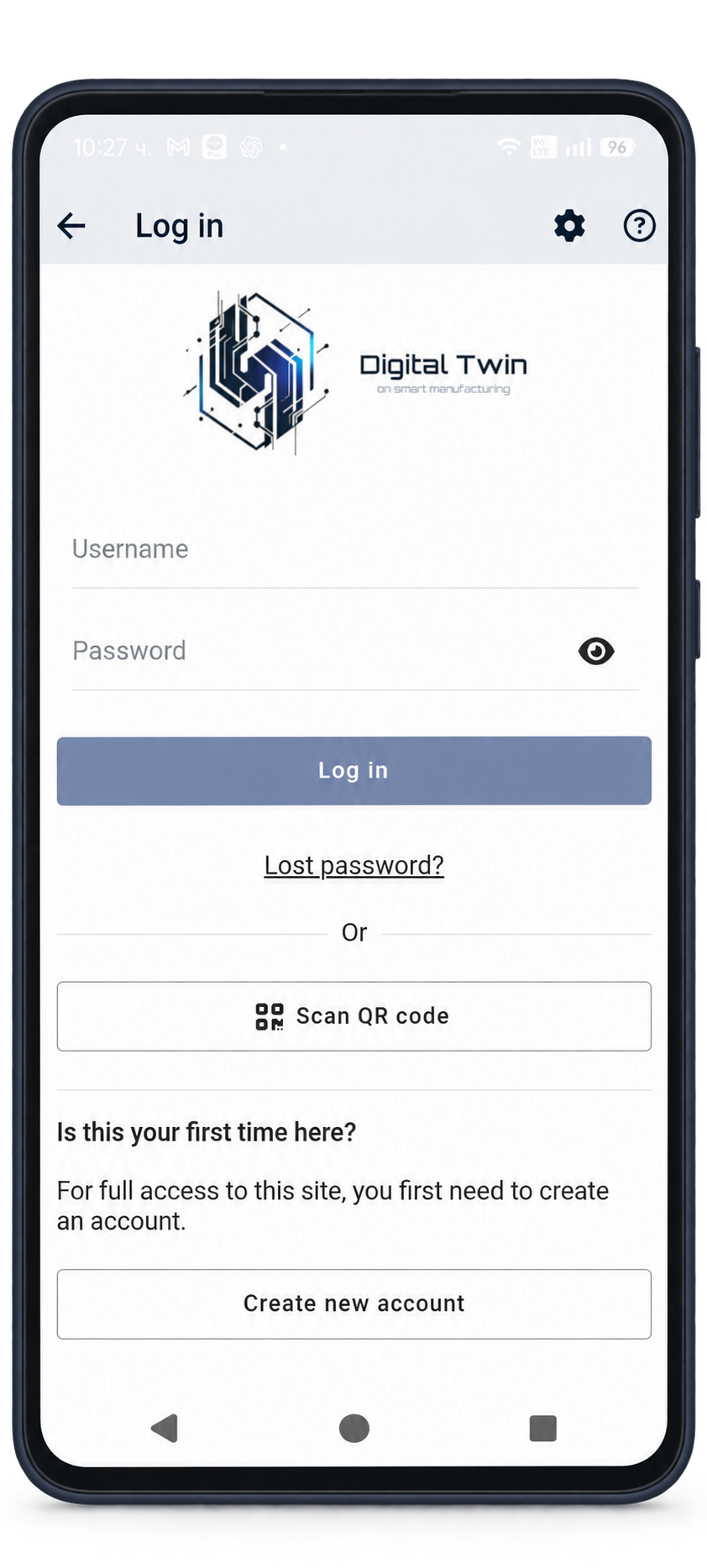
Enter your Digital Twin learning platform username and password, then tap Log in. If you are new to the platform, select Create new account and follow the registration instructions.
Choose Your Online Course
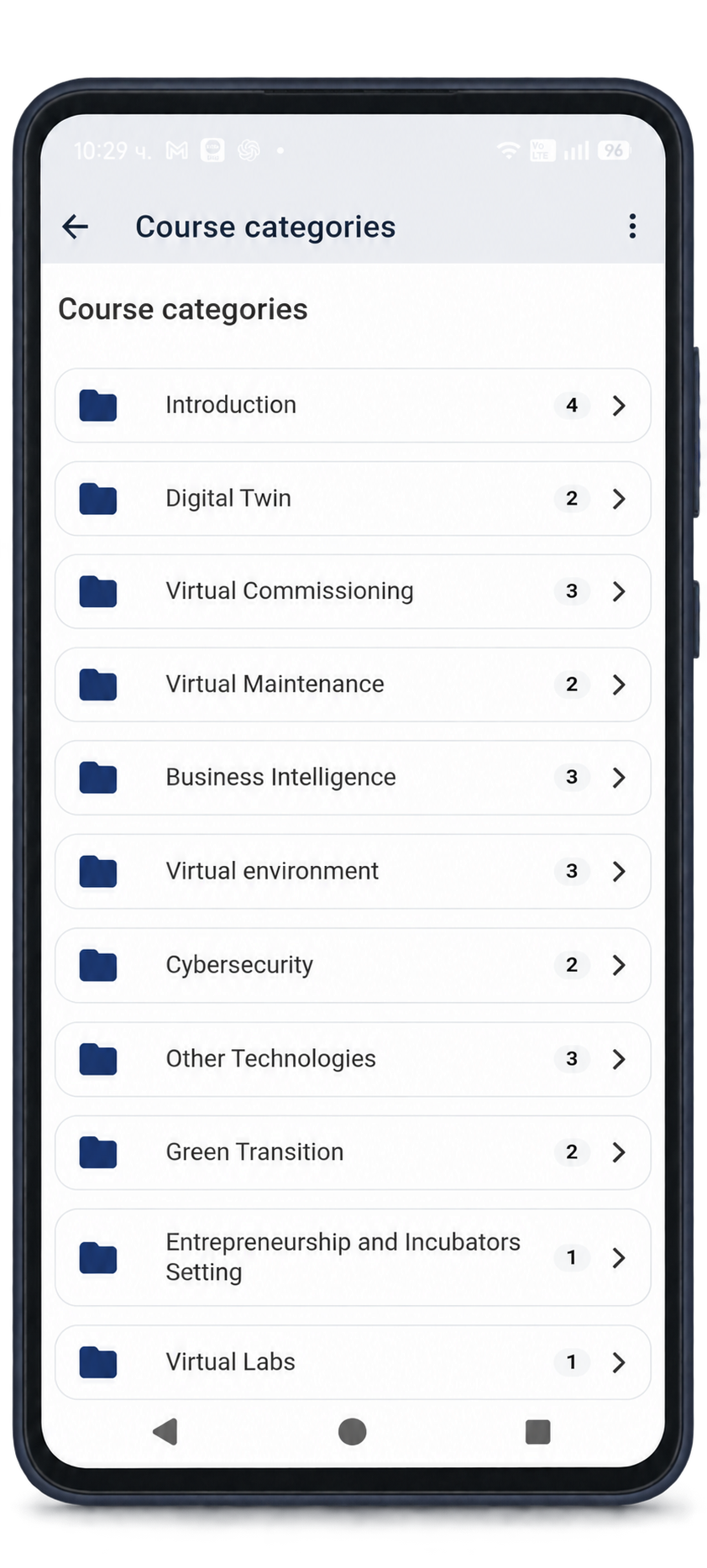
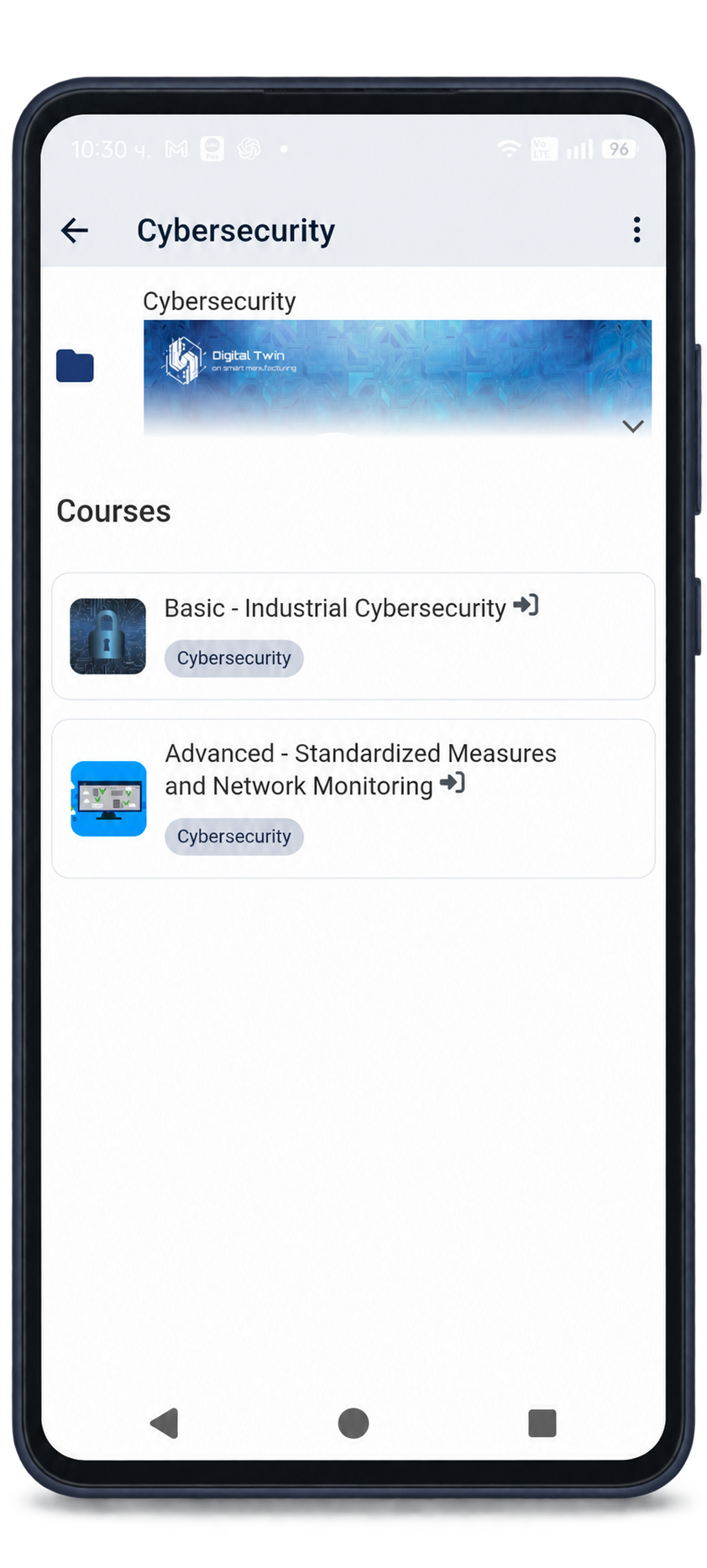
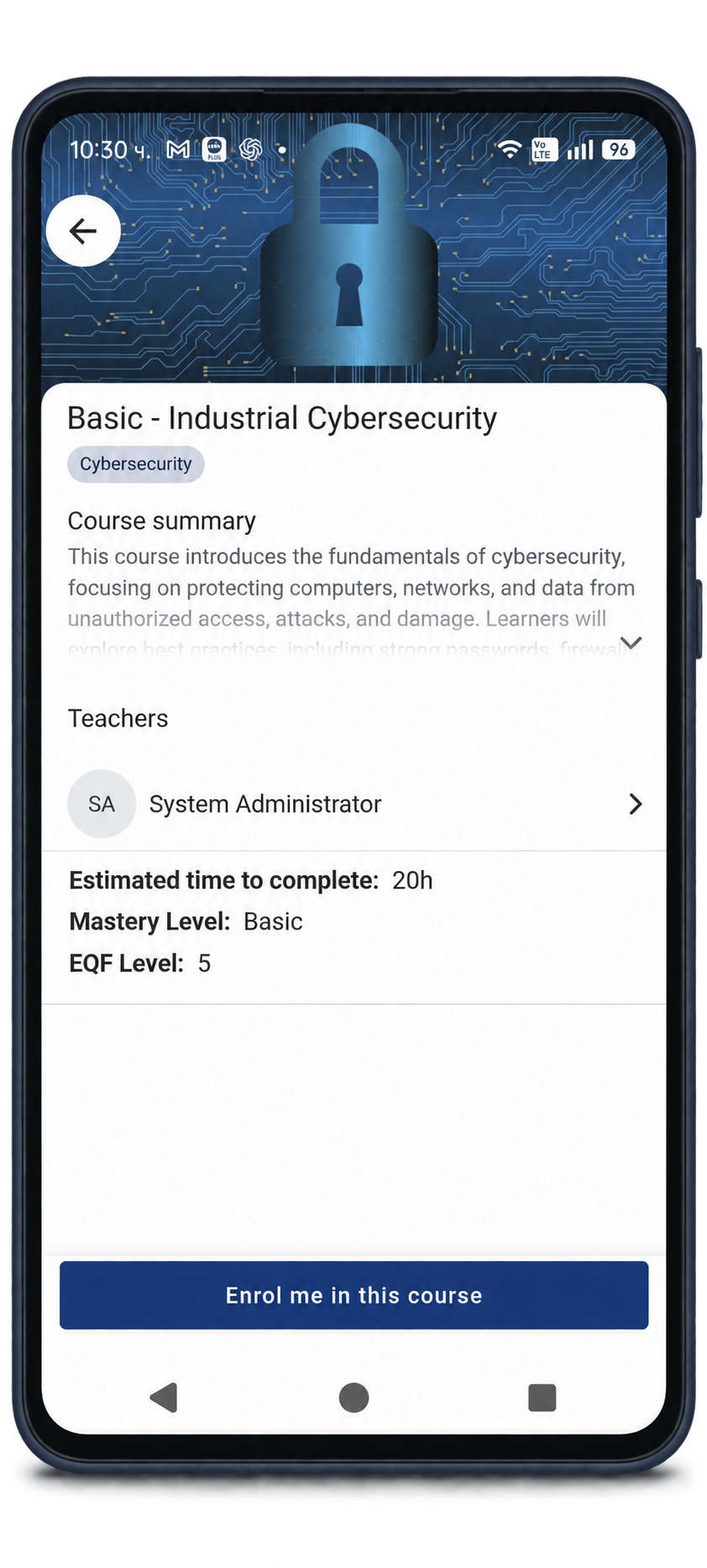
Browse the course categories and select a topic, such as Digital Twin, Virtual Maintenance or Cybersecurity. Open a course to review its description, level and estimated learning time.
Enrol and Start Learning
Tap Enrol me in this course and follow any instructions shown on screen. Once enrolled, explore the course materials and work through the learning activities at your own pace.
Useful Information
Your Questions Answered
Find practical information about downloading the app, accessing your account and making the most of your learning experience.